Have you ever thought about the fact that the browser you open every day, the communication software on your phone, and even the note-taking tool on your desktop all hide the same lightweight database?
It does not require you to install any server software, requires no account or password settings, and does not even need an internet connection. It is simply a file, quietly lying on your hard drive, ready to serve you at any time.
This low-key existence is SQLite.
What is SQLite? The World’s Most Widely Deployed Database
SQLite is an embedded relational database engine written in C.
It has no independent server process, but is directly embedded into your application to run.
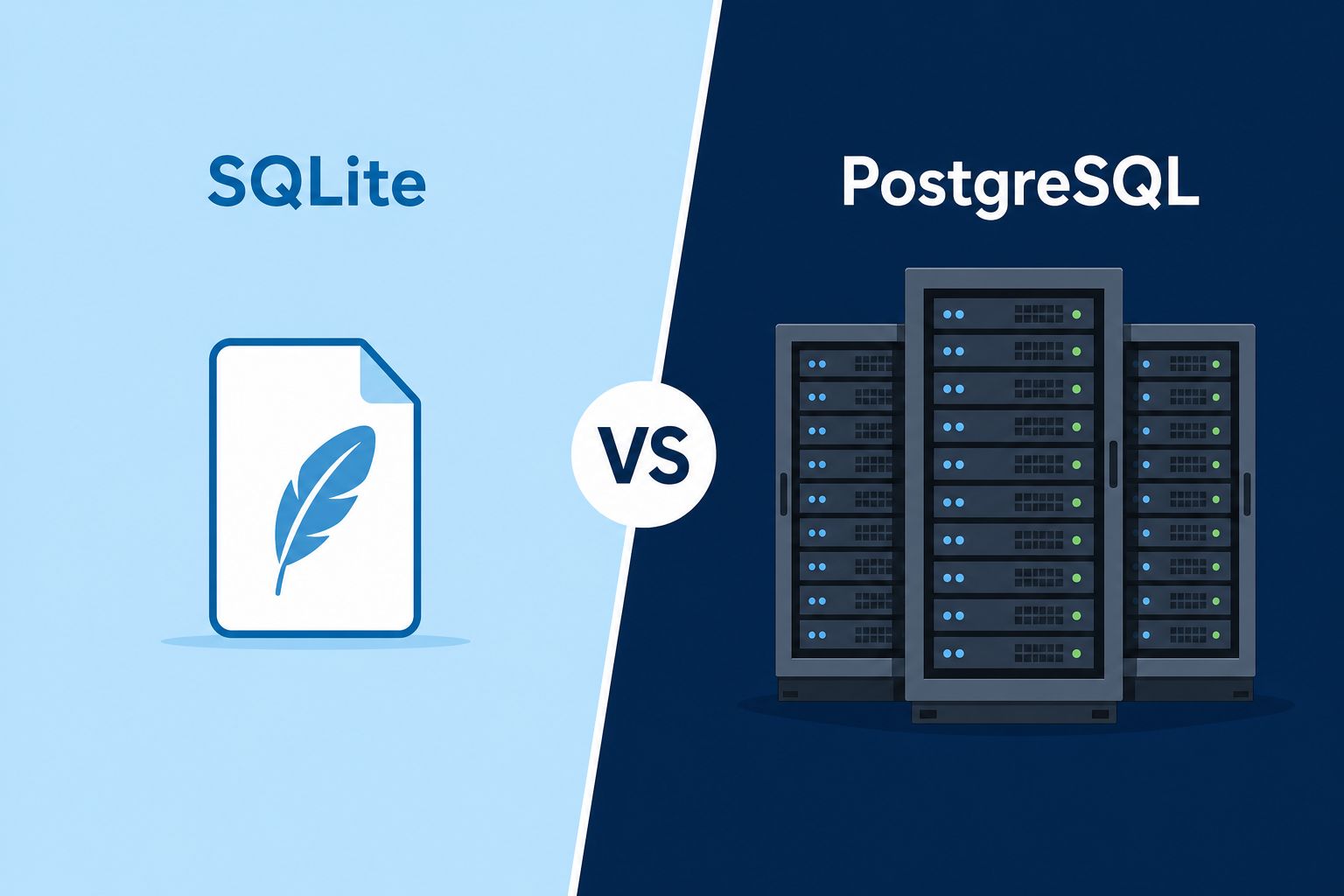
This is completely different from PostgreSQL or MySQL that you are familiar with. Traditional databases are independent servers running separately, and your program must “communicate” with them via a network protocol (TCP/IP).
But SQLite is different; it is simply a block of code, running directly inside your application, reading and writing that .db file on your hard drive.
| Comparison Dimension | SQLite (Embedded) | PostgreSQL (Client-Server) |
|---|---|---|
| Operating Mode | Directly embedded in application, no independent server | Independent server process, via network connection |
| Configuration | Zero config, no installation, no credentials | Requires installation, setting account/password & firewall |
| Data Storage | Single cross-platform file | Multiple files under the server directory |
| Backup Method | Directly copy that file | Requires dedicated tools like pg_dump |
It is precisely because of this “plug-and-play” characteristic that SQLite has become the world’s most widely deployed database engine.
From Android and iOS operating systems, Chrome and Firefox browsers, to Adobe Lightroom, WhatsApp, and even the flight system of the Airbus A350, it is everywhere.
Using SQLite in Node.js
If you are a Node.js developer, using SQLite is extremely simple. You do not need to install any database server software on your computer, you only need to install an npm package to get started.
The most commonly used choices in the industry today:
| Package Name | Characteristics | Recommended Scenario |
|---|---|---|
sqlite3 |
Most established, supports asynchronous APIs | When needing to handle many asynchronous tasks concurrently |
better-sqlite3 |
Excellent performance, intuitive API design, extremely fast | Top recommendation, for development efficiency and execution speed |
Creating a database and querying it with better-sqlite3 takes less than five minutes:
const Database = require('better-sqlite3');
const db = new Database('my_project.db');

db.prepare('CREATE TABLE IF NOT EXISTS users (name TEXT, age INTEGER)').run();

const insert = db.prepare('INSERT INTO users (name, age) VALUES (?, ?)');
insert.run('John', 25);

const user = db.prepare('SELECT * FROM users WHERE name = ?').get('John');
console.log(user); // { name: 'John', age: 25 }
If the file does not exist,
better-sqlite3will automatically create it for you.
SQLite Supports SQL Syntax More Powerful Than You Think
Many people think SQLite is very basic, but it supports the vast majority of standard SQL syntax, including many advanced features:
| Syntax Category | Supported Items |
|---|---|
| Basic Operations | SELECT, INSERT, UPDATE, DELETE |
| Data Definition | CREATE TABLE, CREATE INDEX, CREATE VIEW |
| Advanced Querying | WITH (Recursive CTEs), Window Functions |
| Conflict Handling | UPSERT (INSERT ... ON CONFLICT DO UPDATE) |
| JSON Processing | Built-in functions like json_extract, json_array, json_object, etc. |
| Transaction Control | BEGIN, COMMIT, ROLLBACK, SAVEPOINT |
| Join Queries | INNER JOIN, LEFT JOIN, RIGHT JOIN, and FULL OUTER JOIN |
SQLite’s core philosophy is “small and beautiful”, supporting most SQL capabilities you need daily while remaining extremely lightweight.
Where Are SQLite’s Limits?
Lightness comes at a price. If SQLite is compared to a hipster grocery store with only one checkout counter, then PostgreSQL is a Costco equipped with 50 cash registers.
1. Write Traffic Jam
When SQLite writes data, it locks the entire database file.
Imagine a restaurant with only one restroom: 100 people can look at the menu outside (read) at the same time, but as long as 1 person goes in and locks the door (write), everyone else can only queue up and wait.
Although enabling WAL mode (Write-Ahead Logging) can improve concurrent read/write performance, fundamentally it still cannot achieve multi-threaded concurrent writes to different data rows.
2. Cannot Span Multiple Servers
The essence of SQLite is a physical file. If your system is deployed across multiple servers (horizontal scaling), these servers cannot safely share the same file.
3. Lack of Fine-Grained Permission Management
SQLite has no concept of “user accounts.” Anyone who can read that .db file at the operating system level can see and modify all the data.
For business systems that require strict personal data audits, this is unacceptable.
SQLite vs. PostgreSQL: Technology Selection Decisions
Tools are neither good nor bad, only suitable or not. Here is an ultimate checklist to help you make decisions:
| Question | Answer “Yes” → Choose SQLite | Answer “No” → Choose PostgreSQL |
|---|---|---|
| Is there only one backend server, or does it run entirely locally? | Yes | No (requires horizontal scaling, multiple machines) |
| Is the system behavior heavily read-dominated, without high-frequency concurrent writes? | Yes | No (users will compete to write concurrently) |
| No need for fine-grained database account permissions or advanced indexing? | Yes | No (heavily dependent on advanced features) |
More specific scenario comparisons:
| Scenario | Recommended Choice | Reason |
|---|---|---|
| Desktop Software, Mobile Apps, IoT Devices | SQLite | Data travels with the device, no installation |
| Personal Blogs, Showcase Websites | SQLite | Read-heavy, write-light, saves server maintenance costs |
| Rapid Prototyping, Demos | SQLite | Just create a file to get started |
| Community Forums, E-commerce Platforms | PostgreSQL | High concurrency writes, requires row-level locking |
| Distributed Deployment on Multiple Servers | PostgreSQL | Needs to share data source across machines |
| Sensitive Systems like Medical, Financial | PostgreSQL | Requires strict role-based permission control |
Is Your Database a Pocket Note or a Central Switchboard?
If the data is “single-machine, static, single-owner”, choose SQLite to enjoy extreme lightweight and freedom;
If the data is “cloud, dynamic, highly interactive”, let PostgreSQL take over.
SQLite’s core philosophy is “an internal component of the application”, whereas PostgreSQL is positioned as “an independent center of the system architecture”.
Next time you make an architectural decision, don’t rush to bring out PostgreSQL. Ask yourself first:
“Is my database a pocket note, or a central switchboard?”
Once the answer is clear, the choice naturally becomes obvious.